Report

AI ENVISIONING REPORT

This report has been tailored using the information you provided.

It is designed to help you understand how AI can support your organisation in achieving its business goals, while highlighting practical opportunities and recommended next steps to accelerate adoption and maximise value.

Overall Readiness Score

Organisation Profile

This section provides an overview of the organisation’s size, structure, operating environments and sectors served.

Dell AI Angels(3)
Number of staff:
Dell AI Angels(2)
Number of Offices:
Dell AI Angels(2)
Working Environments:0

Working environments

This chart shows the different environments in which employees work, helping identify the technologies, devices and AI capabilities needed to support the workforce effectively.

Organisation Priorities & Challenges

Current strategic priorities

Key operational challenges

Where staff lose the most time

AI Aspirations

Aims for AI and Aspirations for AI

Preferred Approach and Responsibility of AI

Your staff could use AI to improve productivity in...

AI Adoption Ambition

This section indicates the intended scale of AI adoption, from a small group of users through to ecosystem-wide deployment.

AI Readiness

Concerns:

This section highlights the organisation’s key concerns about AI and identifies areas that may require additional attention to support successful adoption.

Technology

This section assesses the organisation’s technology environment and its readiness to support the effective, secure and scalable use of AI.

Management of IT:

Microsoft 365 licenses

Location of documents

Current AI usage

Weekly

Daily

Current AI tools in use:

Areas enhanced by AI

Productivity enhanced by AI

Readiness

Productivity readiness rating unavailable. Please check the scoring configuration for this report.

Microsoft 365 Copilot (Premium) Implementation

✕Assign staff appropriate licenses for Microsoft 365 and configure key security features including MFA and conditional access
✕Plan, migrate and organise data into Microsoft 365 inlcuding OneDrive, SharePoint and Teams
✕Review Teams policies including for meeting recordings, transcription and retention
✕Outline and monitor appropriate AI usage policies for staff
✕Identify and rectify any overshared and high-risk permissions on data
✕Provide training to support staff to use AI effectively and ethically
✕Implement retention, versioning, archiving and deleting policies for old and obsolete data
✕Configure and apply sensitivity labels on data and set up Data Loss Prevention policies
✕Monitor usage and adoption and provide guidance

AI potential for productivity:

Utilise Microsoft 365 Copilot (Premium) to more effectively.

Devices enhanced by AI

Readiness

Device Readiness readiness rating unavailable. Please check the scoring configuration for this report.

AI-Ready Device Implementation

✕Devices are ideally less than 2 years old
✕Windows 11 is the standard operating system
✕Devices are refreshed on a cycle of at least every 3 years
✕Devices are managed by Intune
✕Devices are future-ready Copilot+ PCs

AI potential for devices:

Upgrade your devices to Copilot+ PCs for:

This would be beneficial for:

Automation enhanced by AI

Readiness

Automation readiness rating unavailable. Please check the scoring configuration for this report.

Agentic AI Implementation

✕Identify and document repeatable processes
✕Define the business case, target outcomes, expected benefits, risks and success measures
✕Secure and clean up the relevant data and implement governance controls
✕Procure and set up licensing for Copilot Studio
✕Develop agent and test suitability
✕Optimise and rollout agent for usage with relevant billing options
✕Maintain agent via ongoing testing, monitoring, incident response and retirement
✕Integrate approved systems using secure connectors and auditable actions

AI potential for automation:

Explore implementing an Copilot AI gent to assist with:

This would be beneficial for:

Your Action Plan

Improve your Productivity

Microsoft 365 Copilot (Premium)

Microsoft 365 Copilot (Premium) is an add-on licence for Microsoft 365 subscriptions that brings AI-powered assistance directly into applications such as Outlook, Teams, Word, Excel, PowerPoint and SharePoint. By using organisational data that employees already have permission to access, Copilot can help draft content, summarise emails and meetings, analyse information, create presentations, locate knowledge and support everyday decision-making. It offers a practical way to improve productivity by reducing administrative workload, accelerating routine tasks and helping employees produce higher-quality work more efficiently. As an upgrade to the existing Microsoft 365 environment, Microsoft 365 Copilot allows organisations to enhance the value of their current investment while maintaining enterprise-grade security, compliance and governance.

Improve your Devices

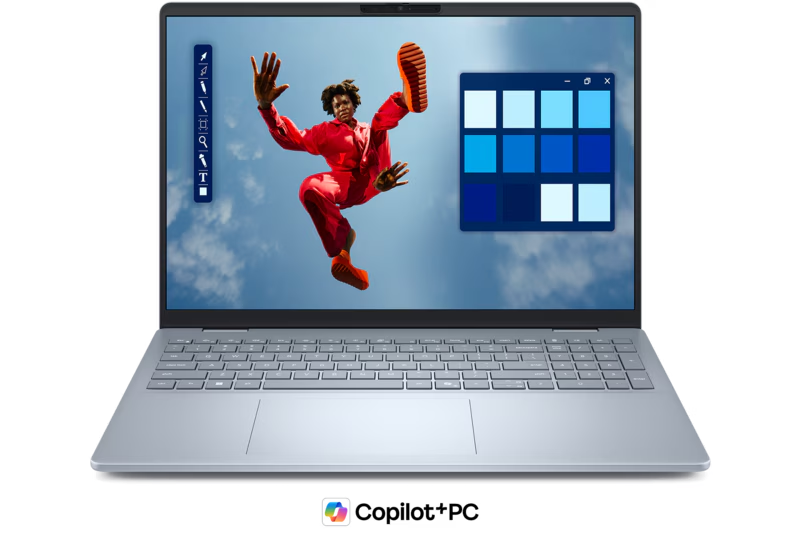
Copilot+ Pcs

Copilot+ PCs provide a practical foundation for getting more value from AI while improving device performance, security, and employee productivity.With powerful on-device AI processing (NPUs), they can run AI-powered features such as Recall, Click to Do, enhanced Windows Search, Studio Effects, and live translation without relying solely on the cloud, helping staff work faster and more efficiently.

They also offer longer battery life, improved performance for multitasking, and modern security features that support hybrid working. For organisations looking to adopt Microsoft 365 Copilot or other AI tools, Copilot+ PCs help future-proof their technology estate by ensuring employees have devices capable of taking advantage of both current and emerging AI capabilities, making them a smart investment for businesses seeking greater productivity, competitiveness, and return on technology investments.

Improve your Automation

Agentic AI

Agentic AI combines automation and artificial intelligence to enable software agents to carry out multi-step business processes to reduce manual intervention. Using Microsoft 365 Copilot and Copilot Studio, organisations can create AI agents that not only answer questions and retrieve information, but also automate routine workflows such as handling enquiries, preparing reports, updating records, coordinating approvals, processing requests and triggering actions across connected systems.


Unlike traditional automation, which follows fixed rules, Agentic AI can use organisational knowledge and contextual information to make tasks more intelligent, adaptable and efficient. This offers an opportunity to reduce administrative overhead, improve service delivery, increase operational capacity and allow employees to focus on higher-value activities. As AI capabilities continue to mature, Agentic AI should be considered as a practical way to combine automation, productivity and business process improvement within a secure Microsoft environment

Scroll to Top